Scan a real page
Point the camera at a book the child is already reading.
WordTing
Point the camera at a real book. Tap an unfamiliar word to hear it, save it and practise it later.
The owl sat on the low branch and watched the garden below.
Illustration only — not a screenshot from the app. A child taps a word to hear it.
Screenshots
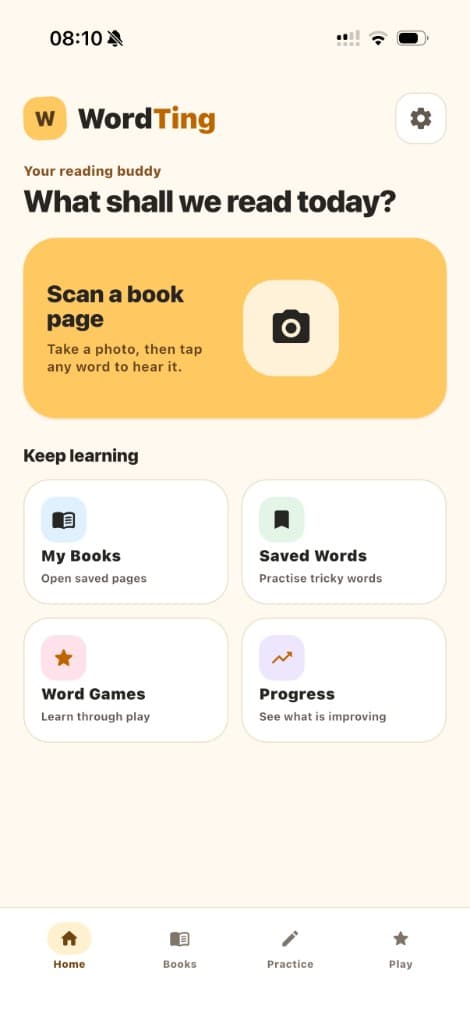
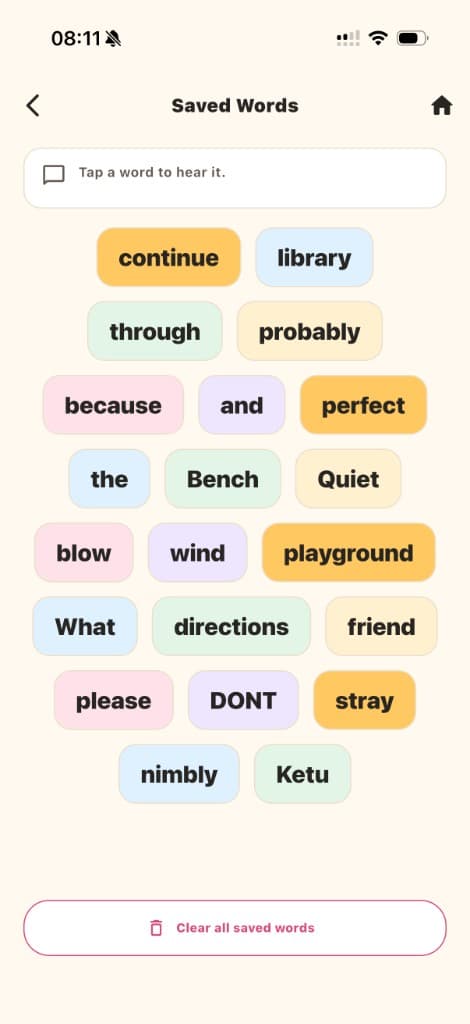
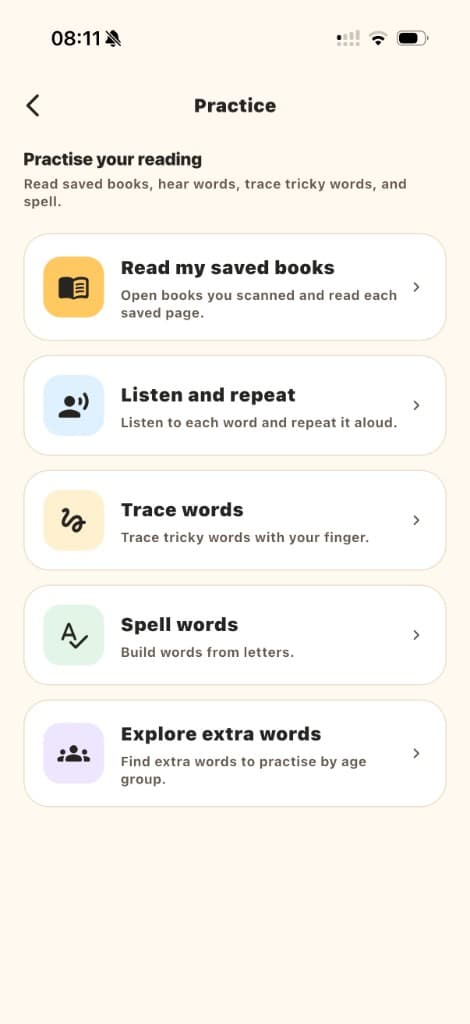
In practice
Point the camera at a book the child is already reading.
Select a word on the page and hear it spoken clearly.
Keep the pages a child is working on, so practice can continue with the same book.
Keep difficult words and come back to them until they feel familiar.
Follow the shape of a word, then build it letter by letter.
Hear a word, say it back, and return to it in short word games.
Privacy
Read how WordTing handles information.